Story: Comment which makes us annoy
If you have/manage a WordPress website, you may receive a comment which makes you annoyed. Your website does not have a comment section, but you received it somehow.
I sometimes received it even though I don’t have a comment section on a website. The contents are basically harassment. I can endure if it’s only my personal/business website, but it has an issue if it is clients’ websites.
Therefore, I look for a solution to protect the website from harassment.
WordPress setting
We know we can use plugins, but we also don’t want to install a lot of plugins on a website honestly. I searched for what I can do without a plugin.
Disable Comments Entirely
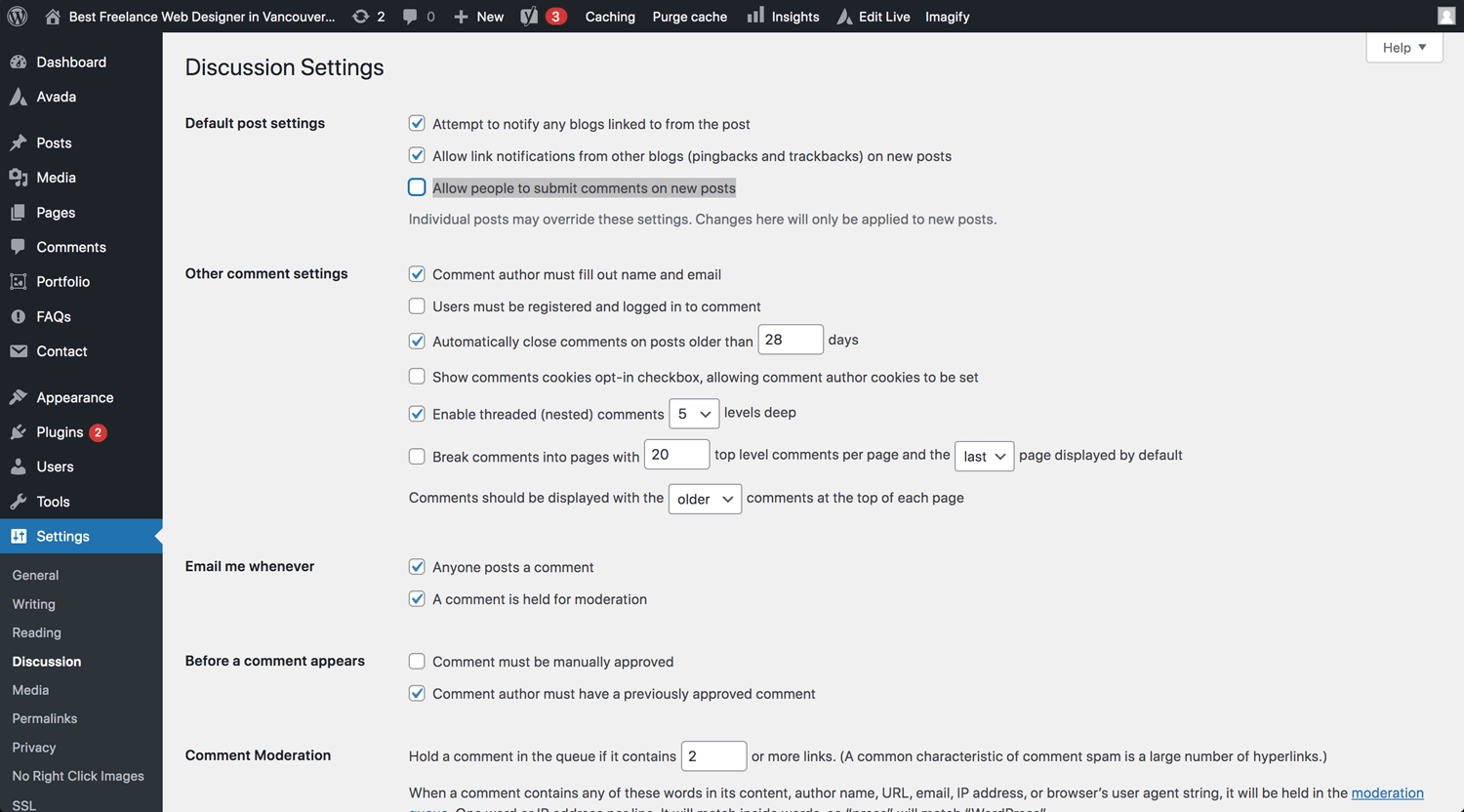
Settings → Discussion → Default post settings → Allow people to submit comments on new posts
Turn off Anonymous Comments
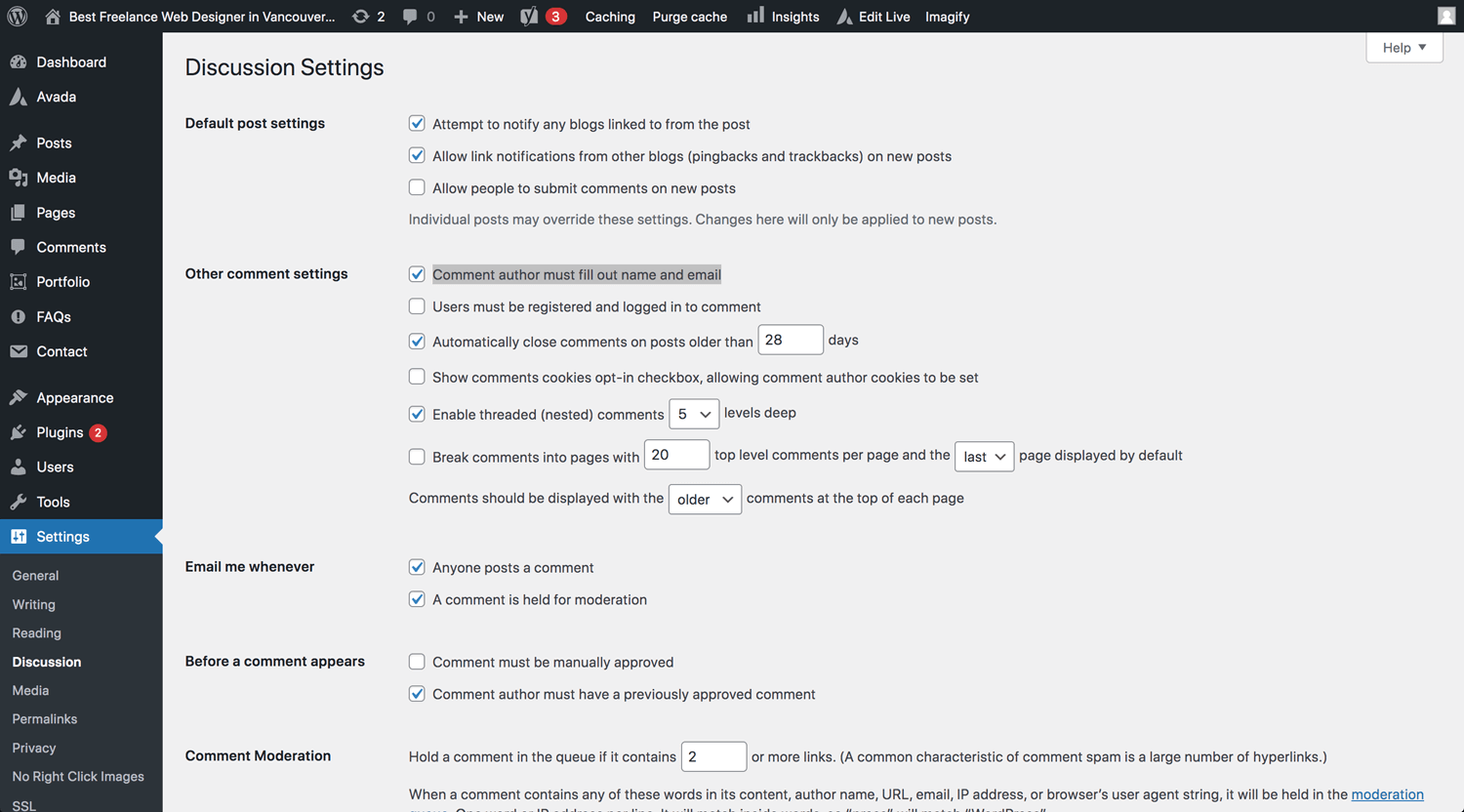
Settings → Discussion → Other comment settings → Comment author must fill out name and email
Enable Comment Moderation
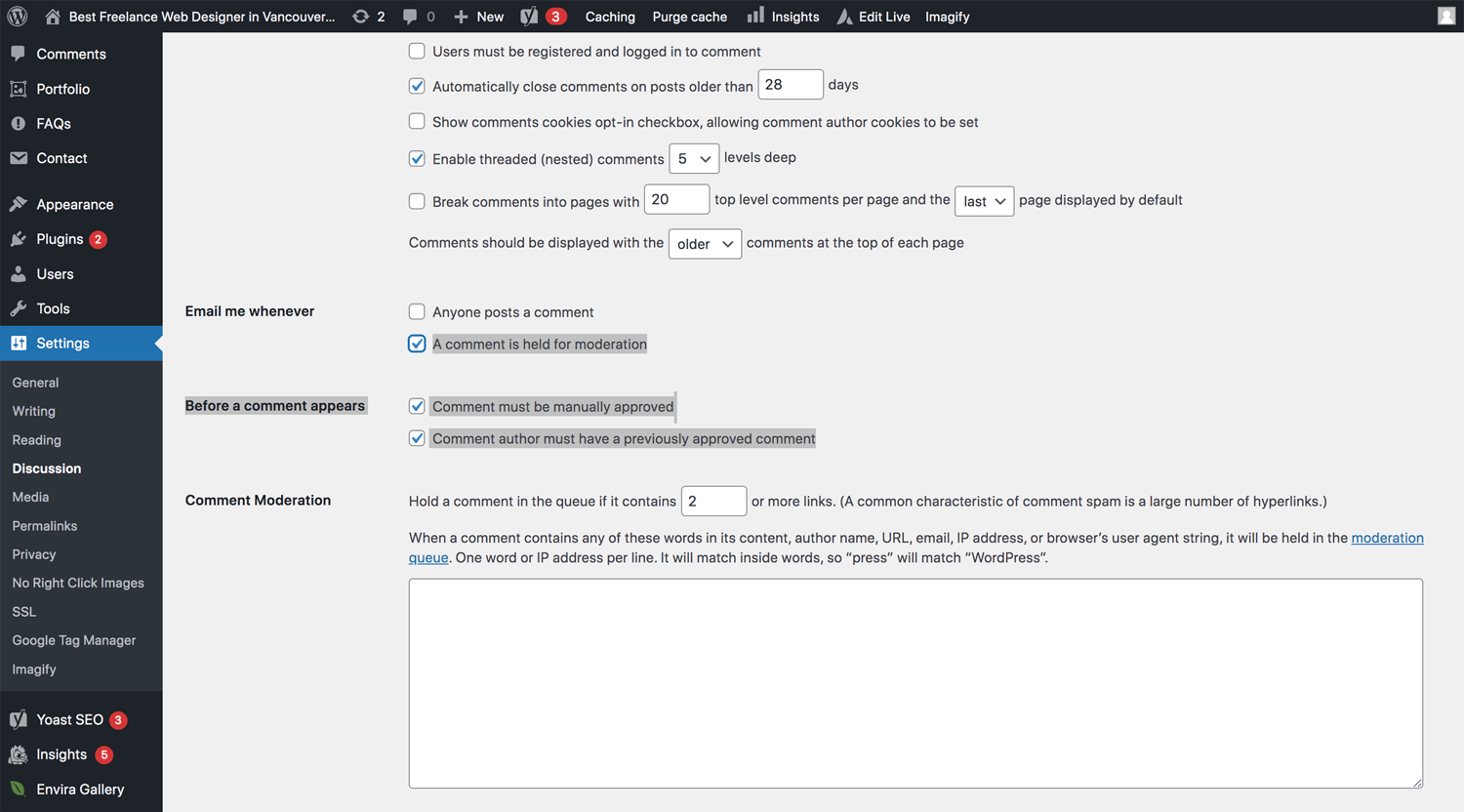
Settings → Discussion → Email me whenever → A comment is held for moderation
Settings → Discussion → Before a comment appears → Comment must be manually approved
Settings → Discussion → Before a comment appears → Comment author must have a previously approved comment
Only Allow Comments from Logged In Users
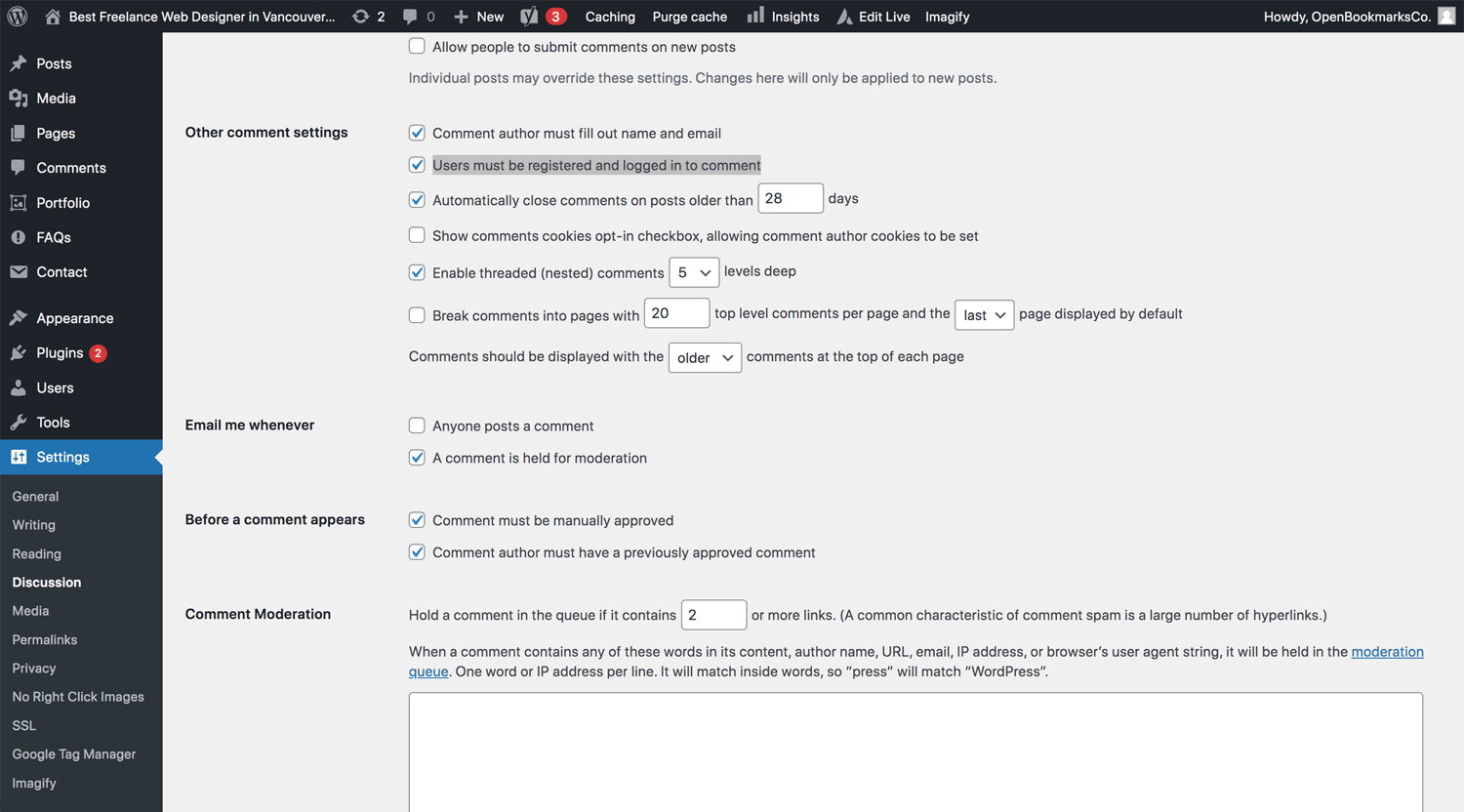
Settings → Discussion → Other comment settings → Users must be registered and logged in to comment
Create a List of Blacklisted Words
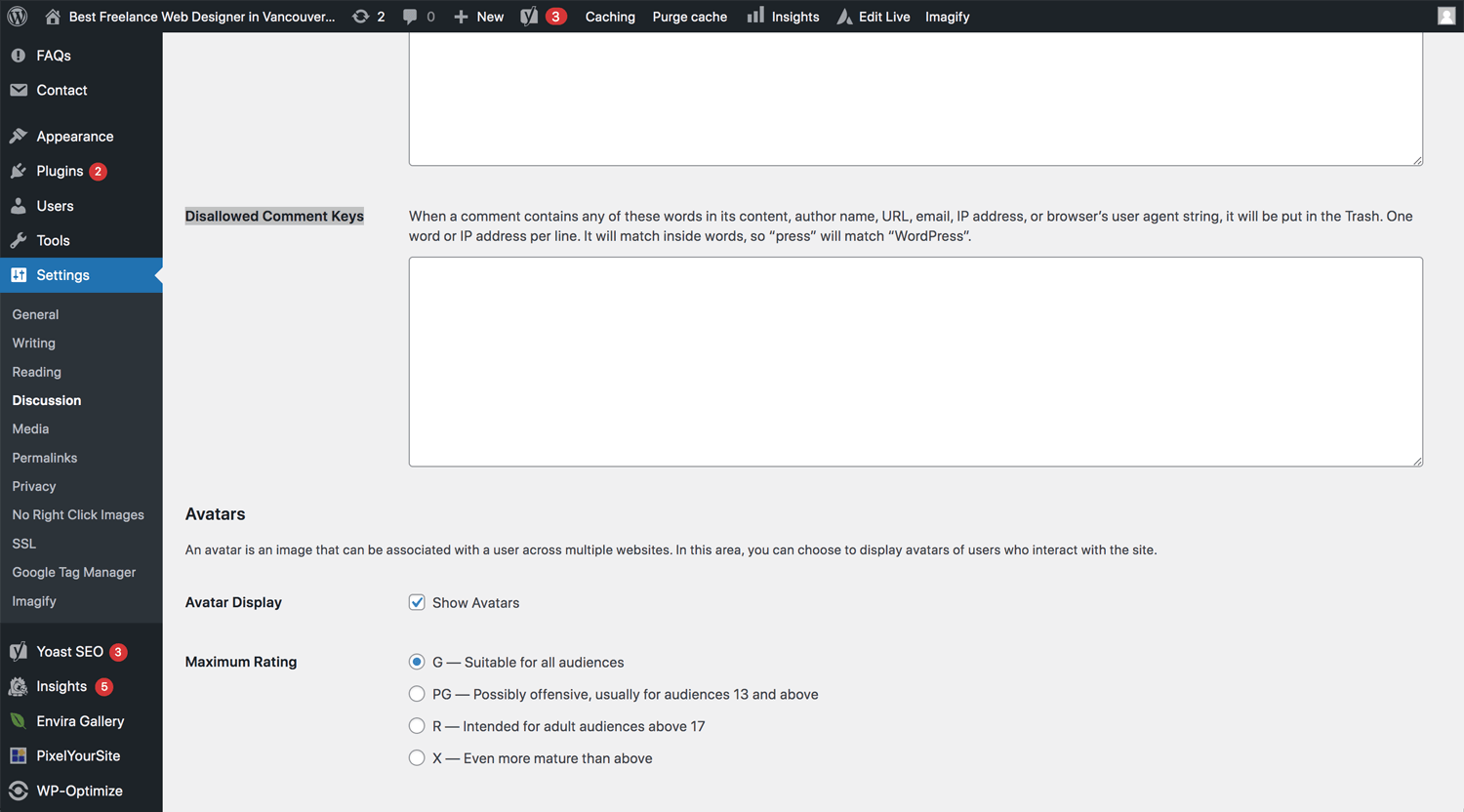
Settings → Discussion → Disallowed Comment Keys
Reduce or Ban Links in Comments
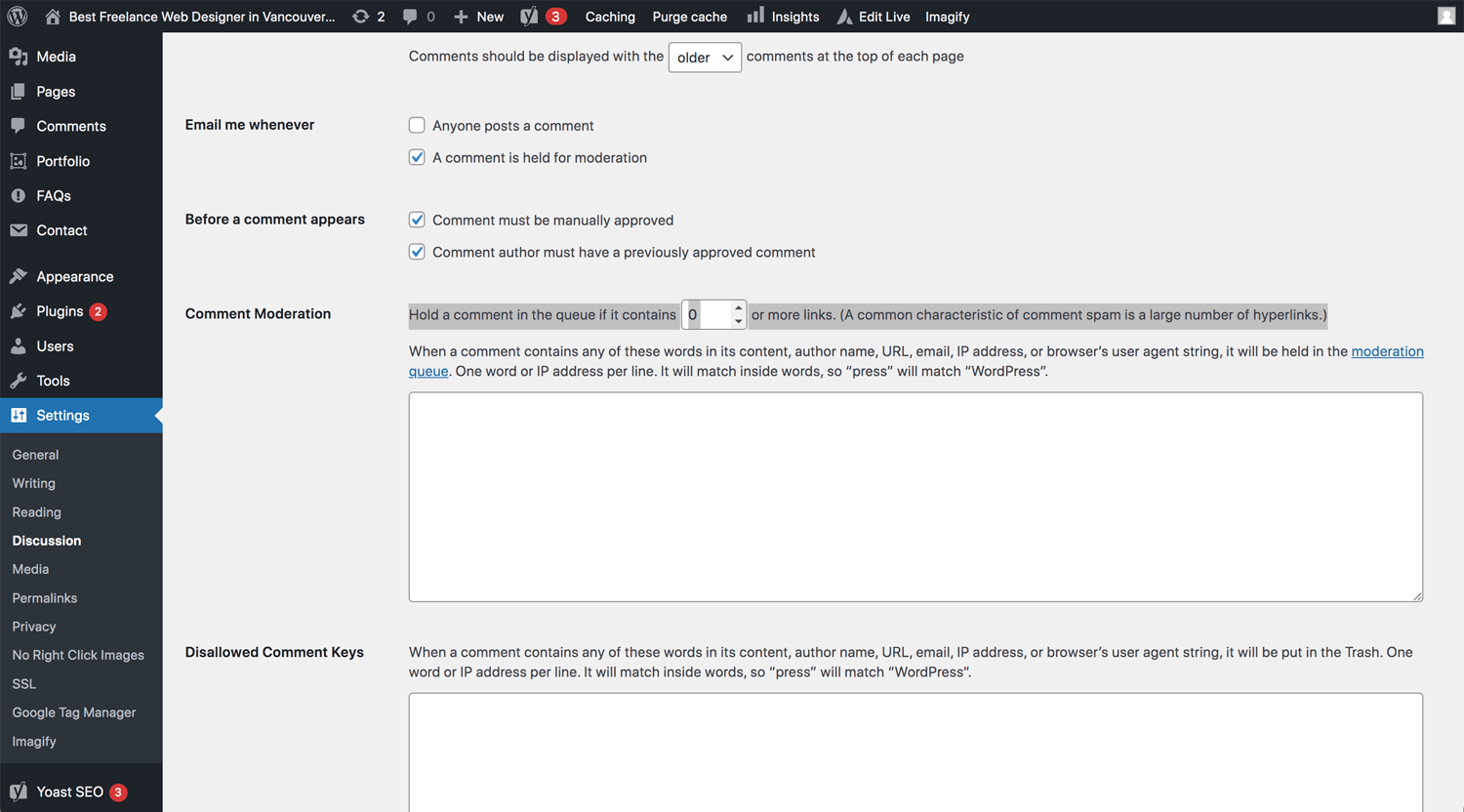
Settings → Discussion → Comment Moderation
Disable Comments for Individual Posts
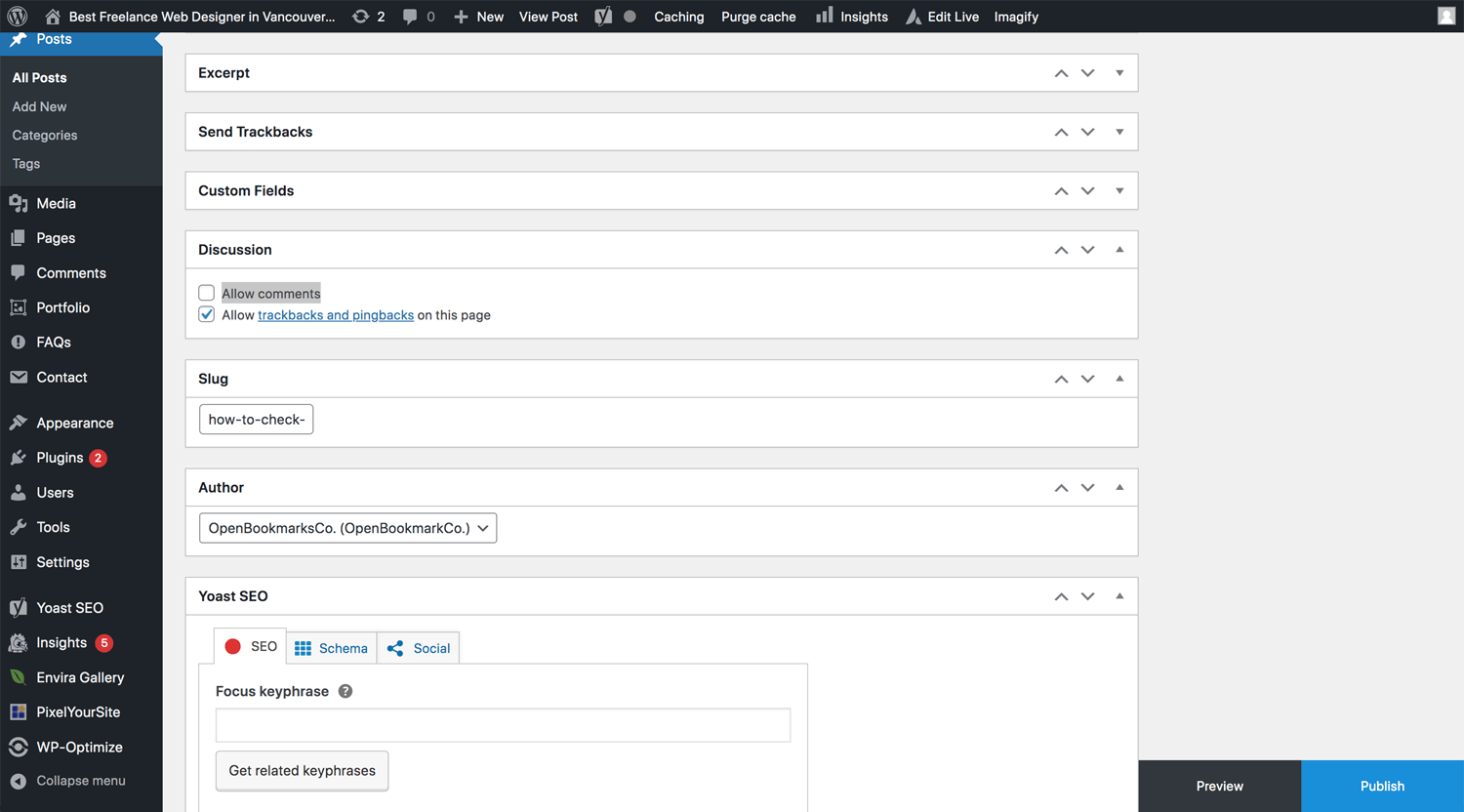
Single post page → Discussion → Allow comments
How To Stop Spam Comments in WordPress
@Kinsta
WordPress plugin
If you still face issues, it is time to consider using WordPress plugins. There are many plugins in the market. Please check the review by yourself.
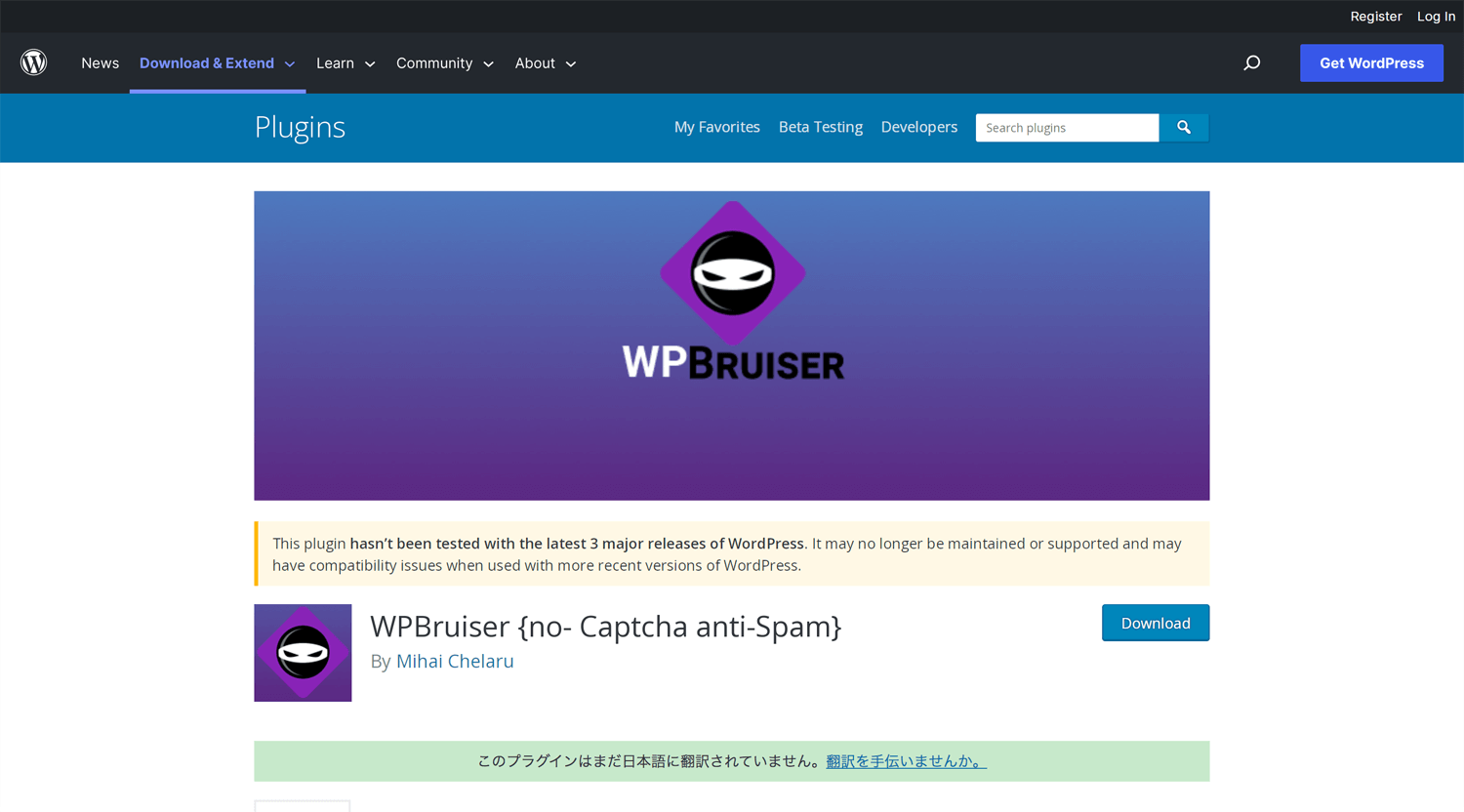
WPBruiser
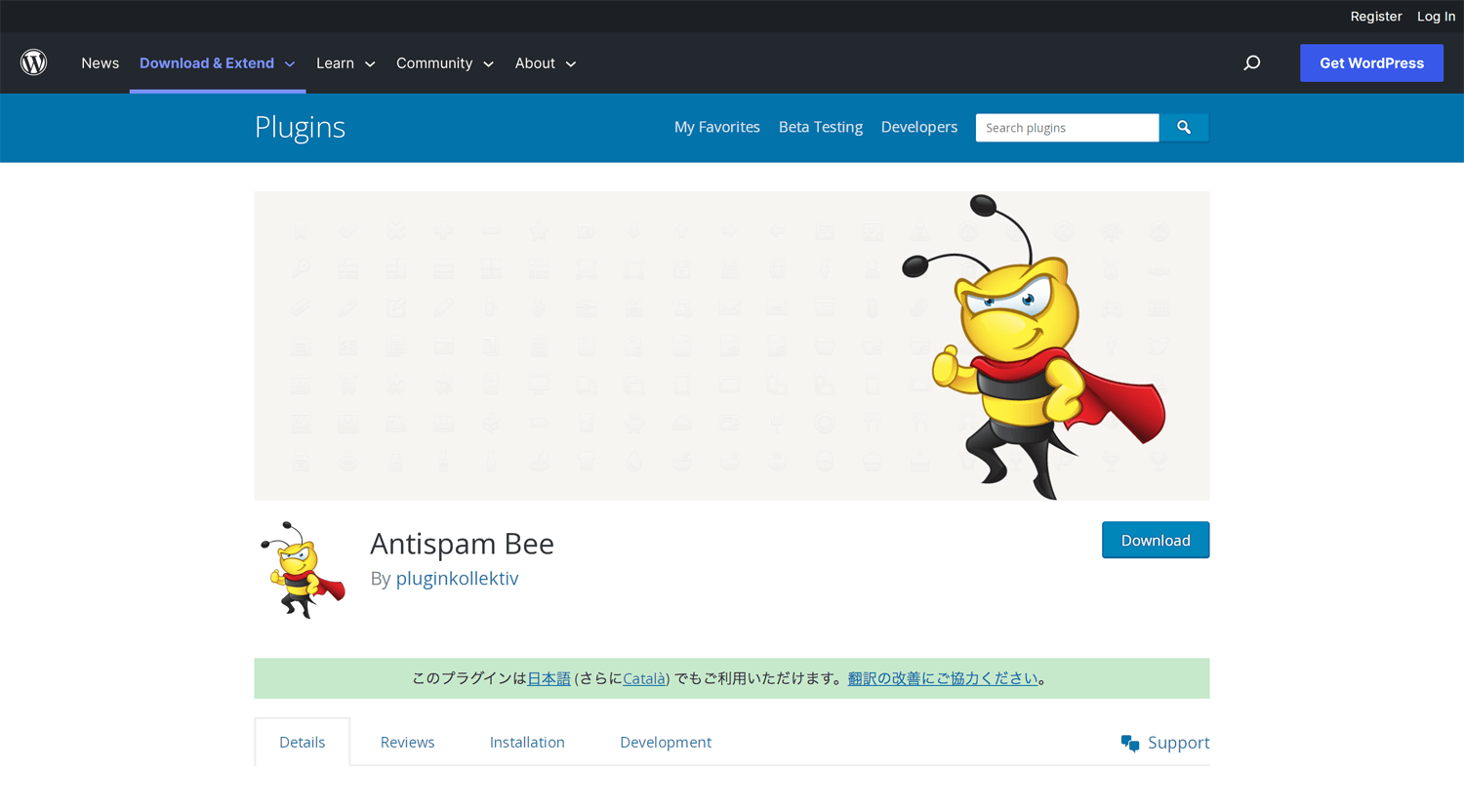
Antispam Bee
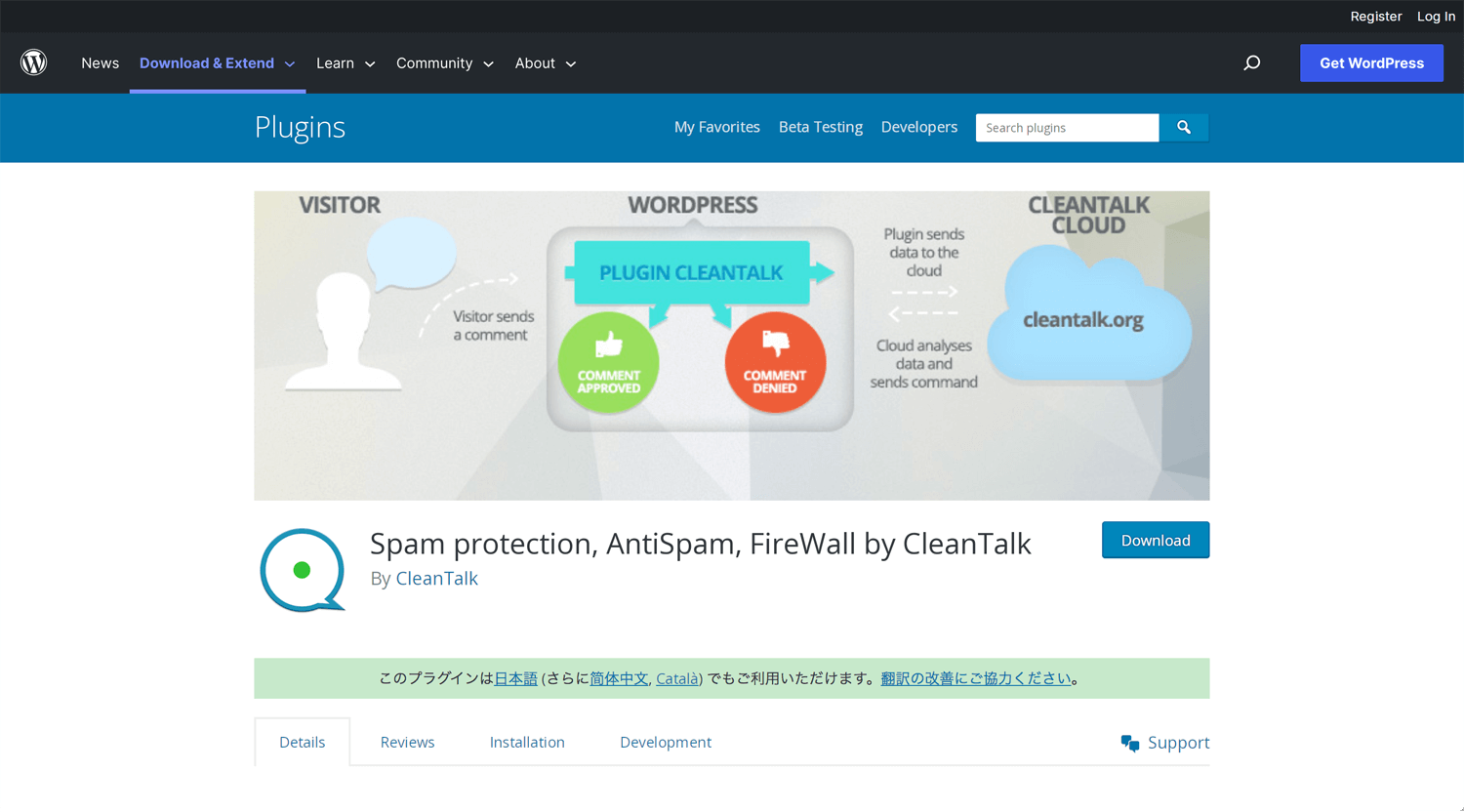
Spam protection, AntiSpam, FireWall by CleanTalk
I did not install each plugin, but the review is a quite reliable rate, with 5 stars.
reCAPTCHA – Google
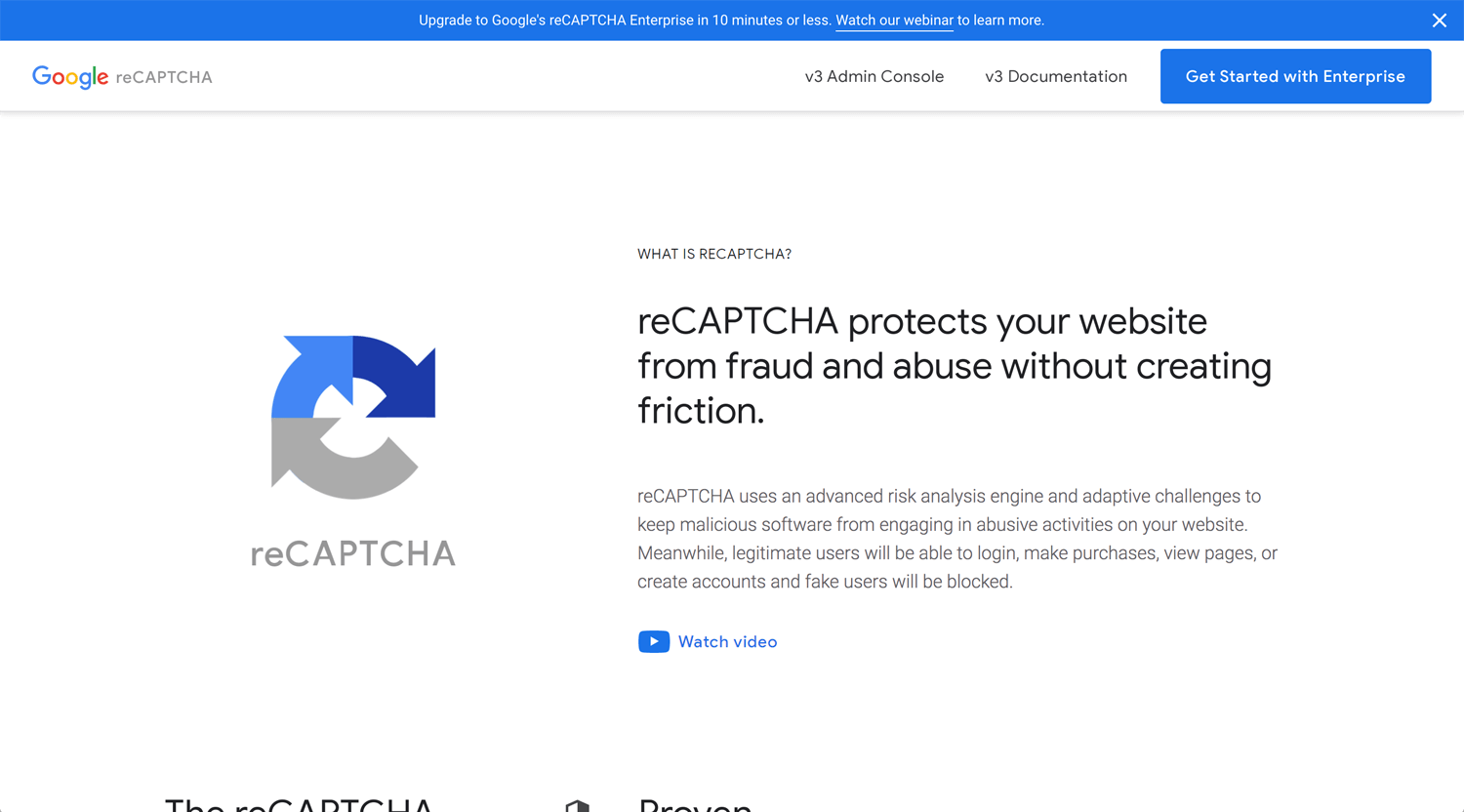
©Google Cloud
reCAPTCHA is a CAPTCHA system that enables web hosts to distinguish between human and automated access to websites. The original version asked users to decipher hard-to-read text or match images. – Wikipedia
Conclusion: Observation for a while
I searched for WordPress spam issues and protections. I execute some of them on my portfolio on January 2023. I don’t know what the result is. It takes time to see the results. This month so far, it looks working. I had not received spam comments.
Ideally, no one should not bother someone’s business, but the world is not so beautiful. So, let’s protect our business ourselves.